READ / PRINT / SHARE
Resources without the homework energy.
Free tools for students and parents. No email gate, no account, and no mysterious marketing funnel lurking behind the download button.
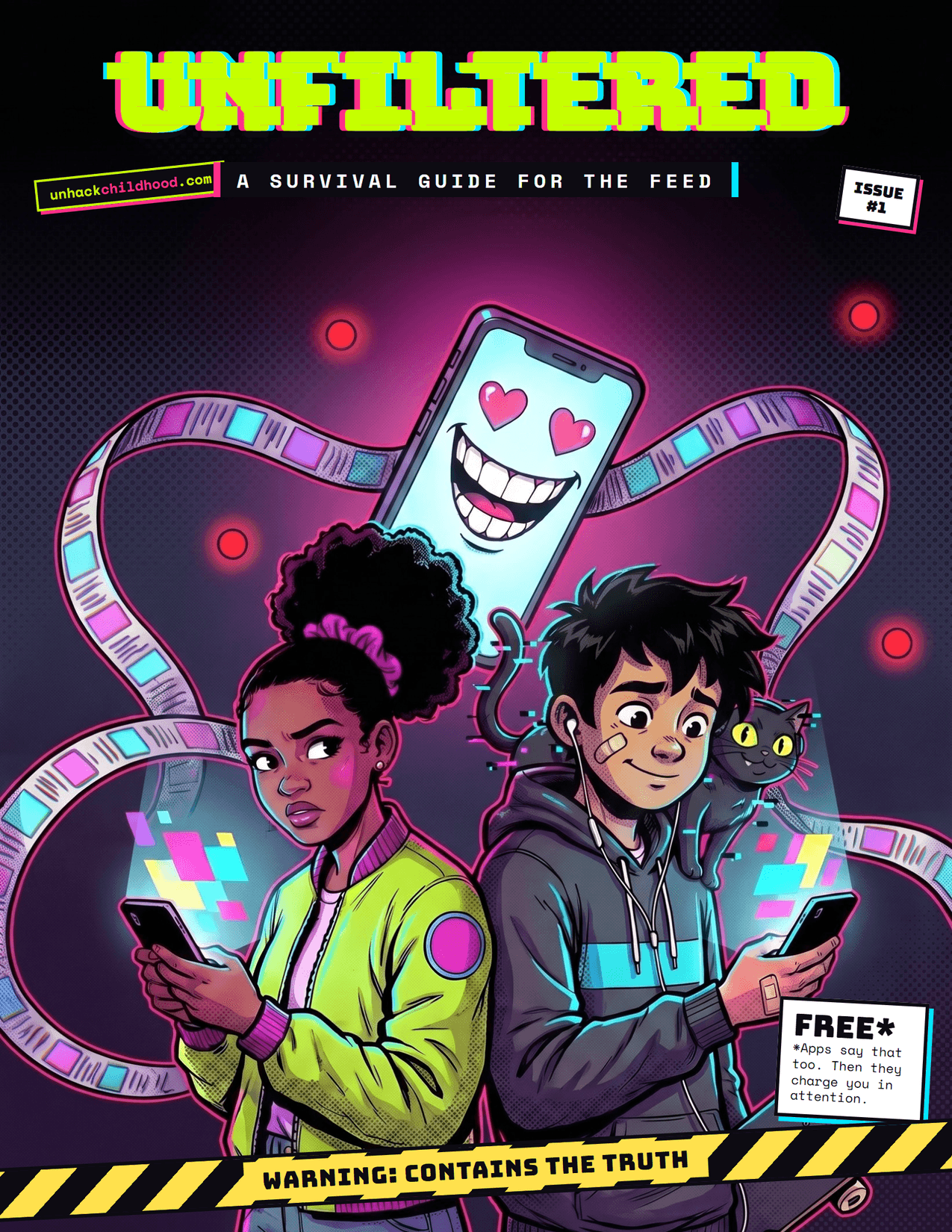
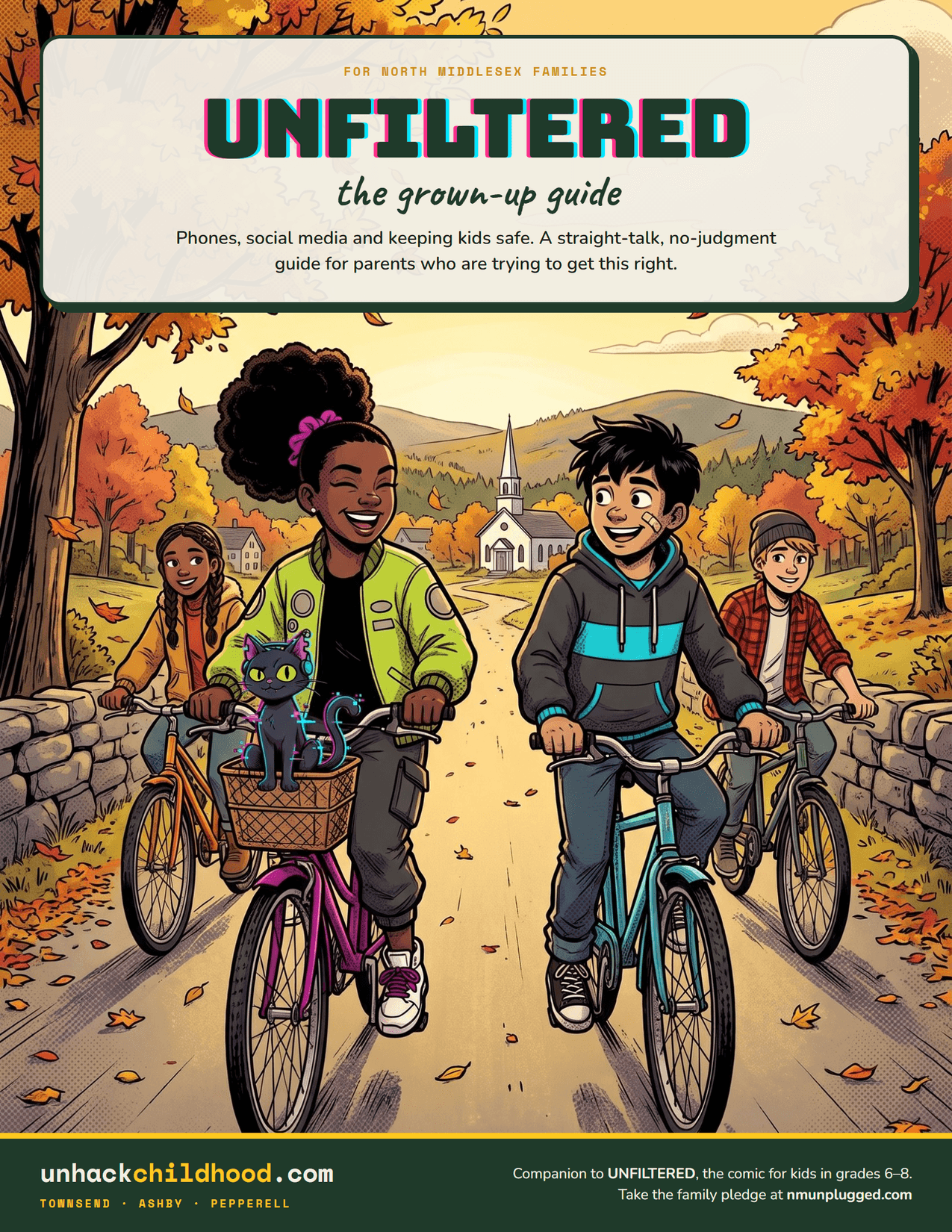
Unfiltered
A comic survival guide for students in grades 6–8, paired with a straight-talk guide for the adults raising them.
Open the resource →PARENT HOW-TOS
Settings without the scavenger hunt.
Set up a child’s iPhone or iPad
Use a Child Account in Family Sharing, then set app and website approvals, allowed contacts, schedules, time allowances, and content limits from your own iPhone.
Set up Google Family Link
Create or supervise your child’s Google Account, then set app approvals, screen time, web filters, and location on their Android device or personal Chromebook.
Set up YouTube for kids and teens
Pick YouTube Kids, a supervised kid account, or teen supervision, then set content levels, search, Shorts limits, reminders, and Restricted Mode on every device your child uses.
PRINT & FILL IN
One-page printables.
Family tech agreement
Where devices sleep, time limits, new apps, and the help-first promise. Grown-ups sign too.
Open and print →AFTER A HACK, OR YEARLYAccount security reset
Email first, then every other account: passwords, two-step login, recovery info, and money.
Open and print →FOR BULLYING & HARASSMENTIncident log
What to save before blocking, a dated record of each incident, and where to report it.
Open and print →PLAN AHEAD